Visual Mode
Review and configure your generated code in Locofy Builder using Visual Mode.
After importing a design from URL and generating code, open your project in Locofy Builder to review and configure the output. Visual Mode is the default editing experience in Builder—it lets you inspect structure, manage components and props, and adjust project settings while viewing a live preview of your running code.
Switching to Visual Mode
Visual Mode is active by default when you open a project in Locofy Builder. If you have switched to Agent Mode, use the Visual Mode / Agent Mode toggle in the center of the top toolbar to return to Visual Mode.

Live preview
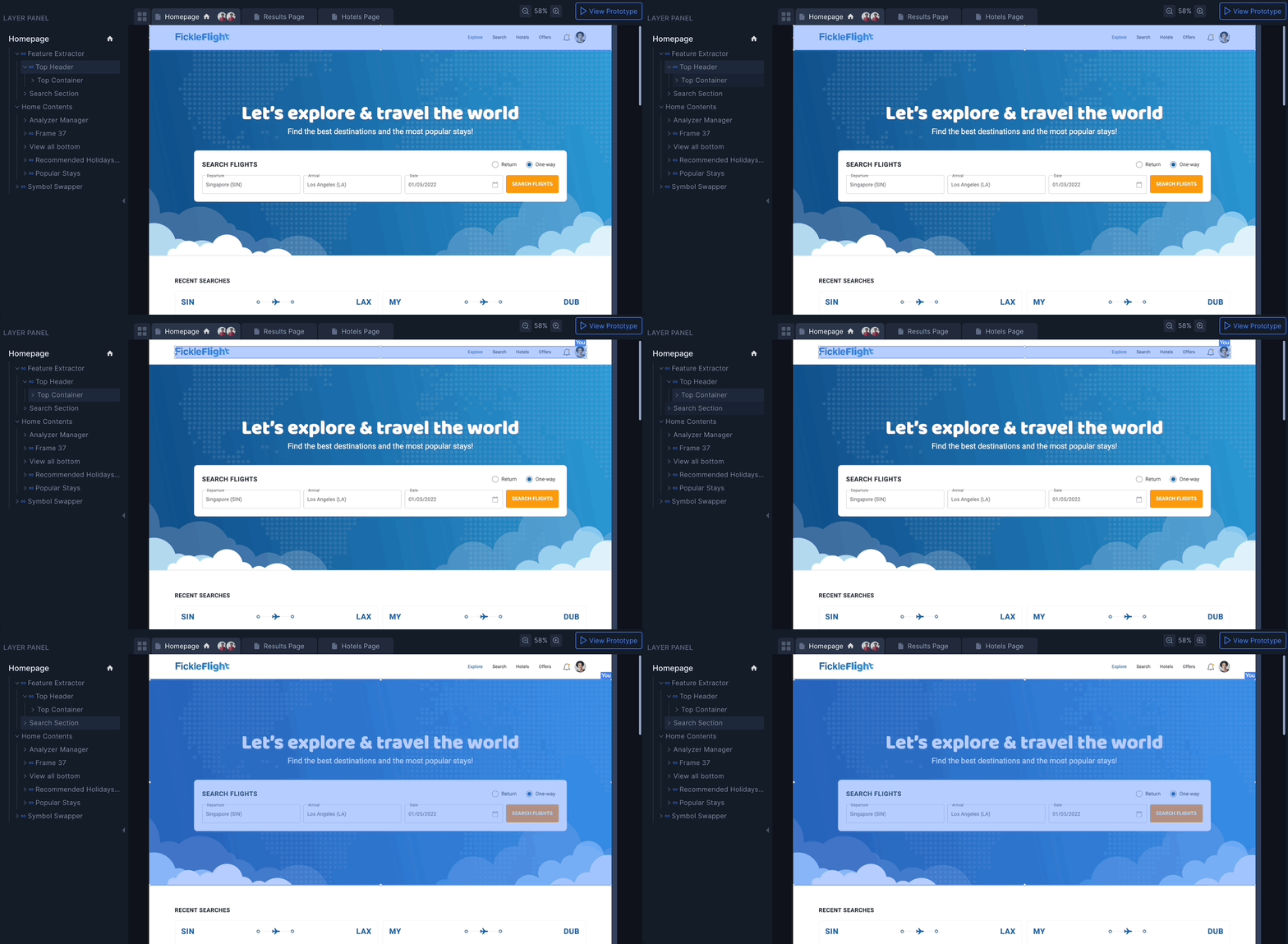
The preview panel displays your project running on live code. What you see reflects the actual generated output—not a static screenshot.
- Click any element to select it.
- Selecting an element highlights it in the Layers panel and surfaces its settings in the right panel.
- Resize the preview using media query presets to check responsiveness across breakpoints.
Because the preview stays in sync with the generated code, you can immediately see the impact of every change before exporting.
Right side panel
In Visual Mode, the right panel provides controls for components, configuration, and export.
Components and props
Review components detected during code generation, edit component names, and manage props for dynamic content. This is useful when you want modular, reusable code without rewriting structure manually.
Learn more in the Builder tour — Components.
Project configuration
Adjust framework settings, styling options, and other project-level configuration from the right panel. Changes apply to the generated codebase and are reflected in the live preview.
Export and deployment
Access export options—including ZIP download, GitHub sync, CLI pull, and MCP—from the Sync / Export / Deploy controls. See Code Export and Deployment for details on each option.
Code viewer
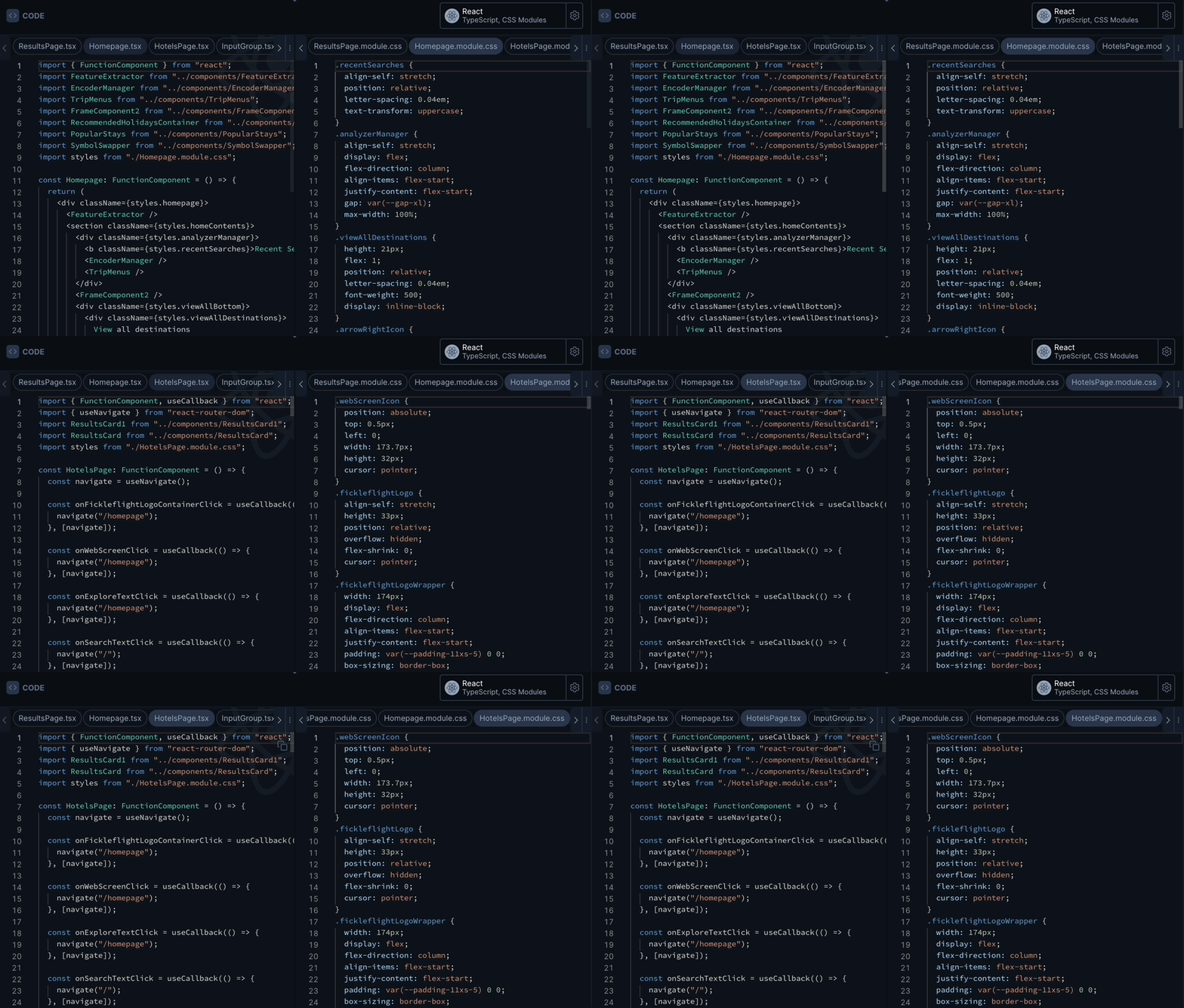
The code viewer panel lets you inspect the generated source code alongside the live preview.
- View and navigate between files in a read-only code view.
- Copy code snippets directly.
- Update framework-specific settings from the code viewer toolbar.
Left side panel
The left panel gives you access to project structure:
- File explorer — view and organise your codebase folder structure.
- Layers — inspect the layer hierarchy mapped from your design.
- Components — browse reusable components in the project.
- GitHub sync — manage repository connections when syncing code.