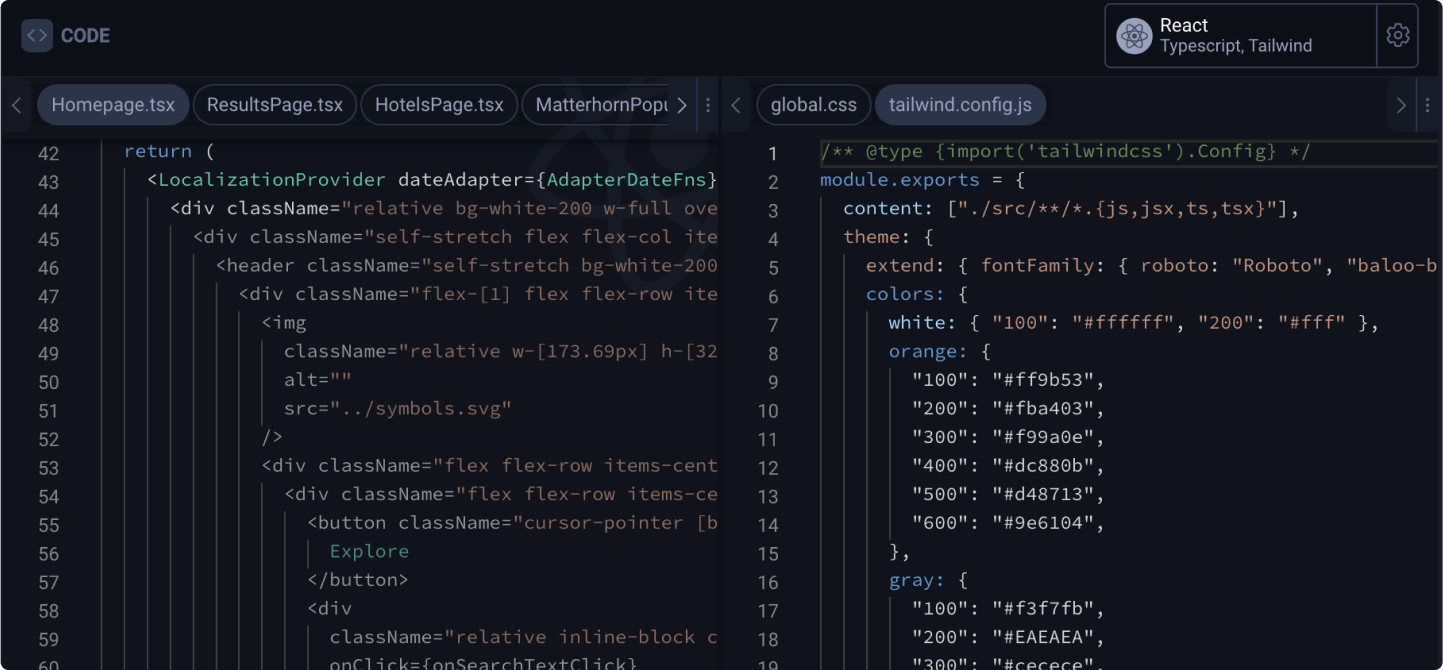
Configuring different CSS styling options
Learn how to use different CSS Styling options for code exports.
In this guide, we will be using Tailwind CSS as an example.
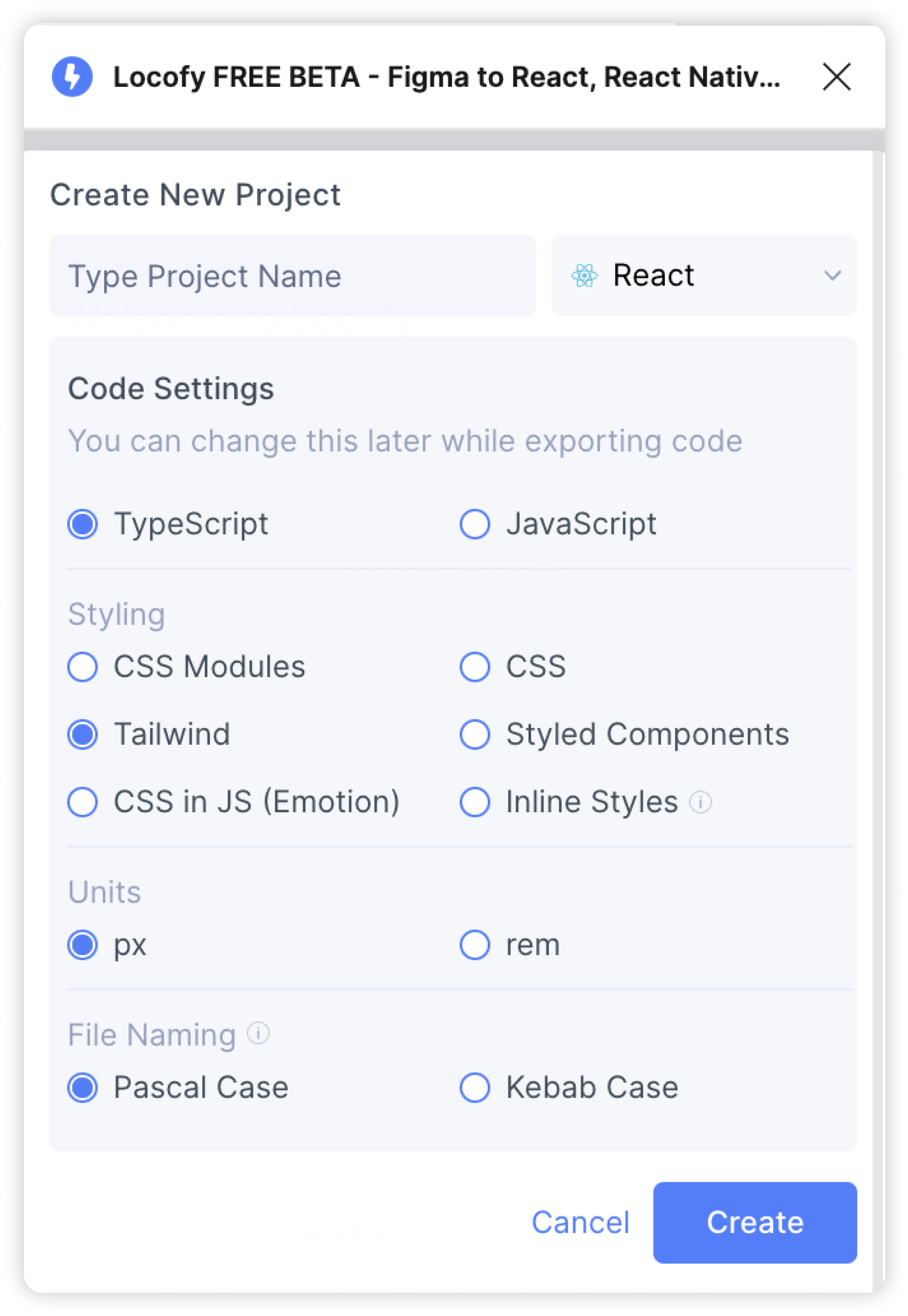
Creating a new project that uses Tailwind CSS
When creating a new Web project, you’ll need to set up your framework settings. Select Tailwind CSS as your styling options and click “Create” to continue
Switching to other CSS styling options for an existing Web project
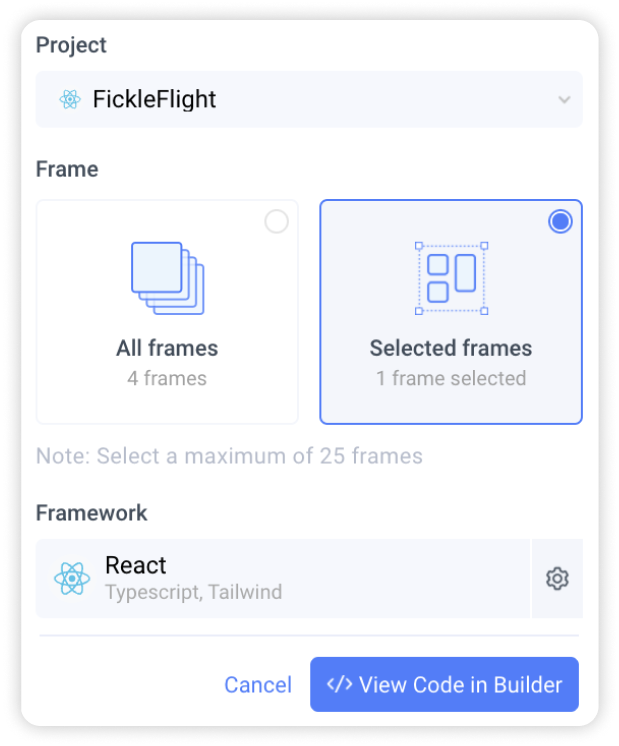
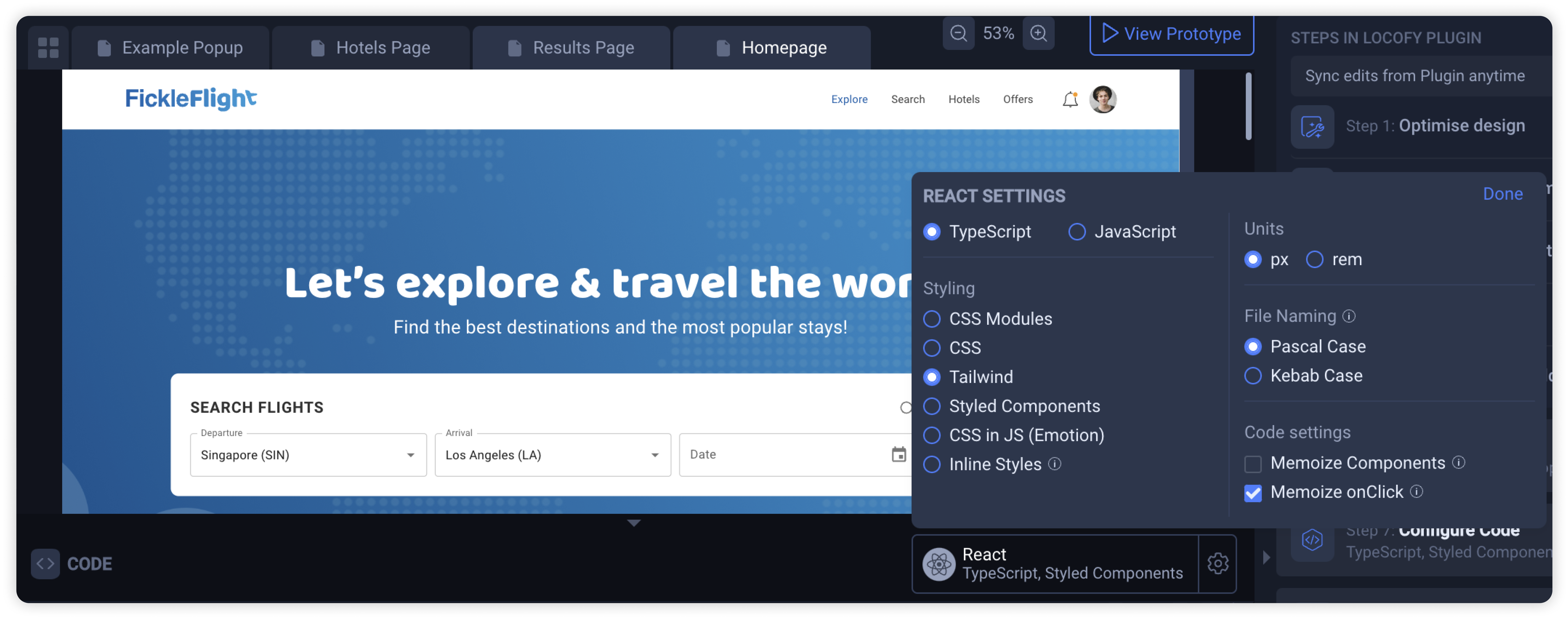

If you have an existing Web project, you can edit your Code settings in multiple locations:
- Before syncing your designs to view code in Builder, click the gear icon to edit Code settings
- In Locofy Builder, click the gear icon in the code panel to view and edit Code settings
- On the Locofy dashboard, head to project settings and click the “Code Generation” tab to view and edit Code settings
View code for your CSS project
Sync your designs to Locofy Builder using the Locofy Plugin. In the code panels, you can view your generated CSS files.