Configuring Next.js Router
Export your code in Next.js with either the App Router or Pages Router. The exported code comes with a complete Next.js setup that can be built and deployed out of the box.
You can convert designs to Next.js code and further configure your code to take advantage of static site generation (SSG) or server-side rendering (SSR) offered by Next.js.
Benefits of Pages Router
- Familiar file-based routing system.
- Great for smaller applications and projects that need a simple and predictable structure.
- Supports server-side rendering and static generation.
Benefits of App Router
- Provides advanced routing capabilities with support for React Server Components.
- Improved performance with server-side streaming and enhanced data fetching.
- More flexible architecture suitable for large-scale applications.
Create & Syncing Your Next.js Project
To convert your designs to Next.js code, you first need to create a Locofy project and select Next.js as the framework. You can refer to this doc on how to create a project.
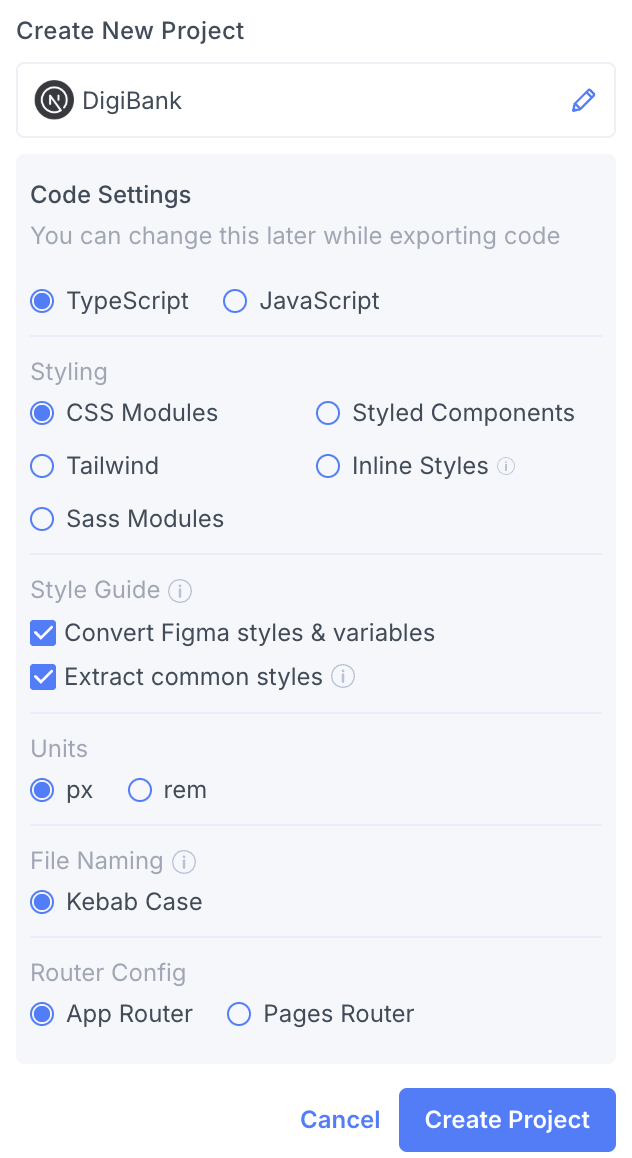
We support both the Next.js App Router and Pages Router. You can choose between the two options during project creation.
Once done, you can run Locofy Lightning and see the Next.js code in the preview panel in the plugin.

Exporting Code
To export the code, first sync your project to the Locofy Builder.
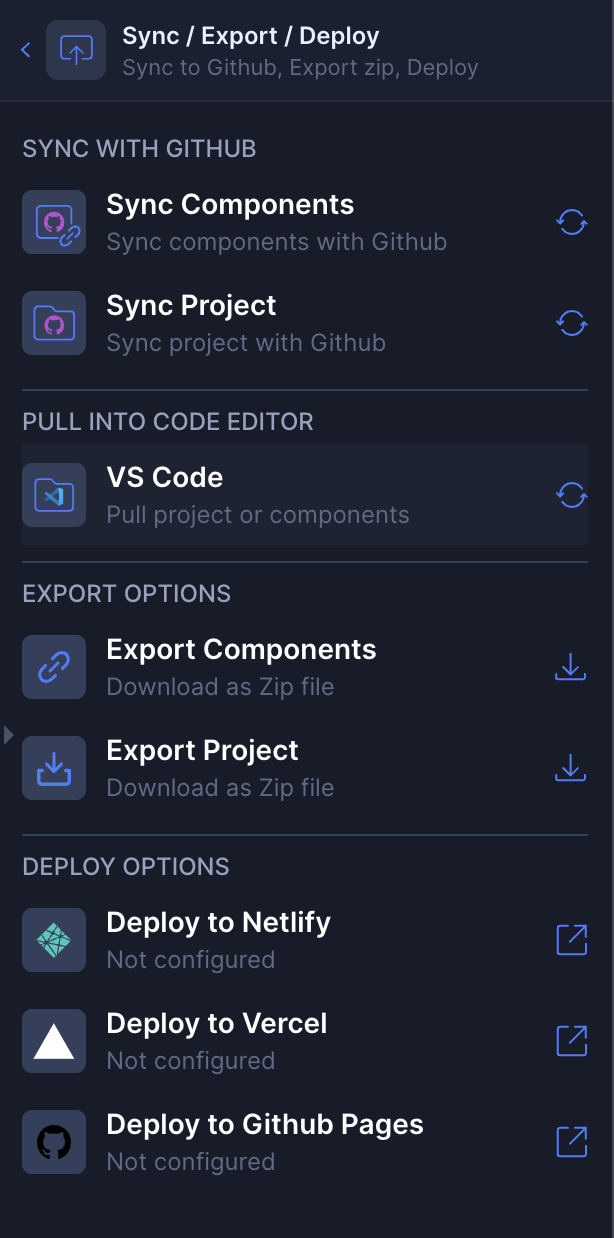
Locofy provides multiple ways to access your code, tailored to your workflow:
- GitHub Integration: Seamlessly push your code to a GitHub repository.
- Export Code: Download the complete codebase as a ZIP file.
- VS Code Extension: Access and manage your code directly from within Visual Studio Code for a more integrated development experience.