Tagging a drawer
Learn how to tag a drawer and customise its properties
Tagging your drawer
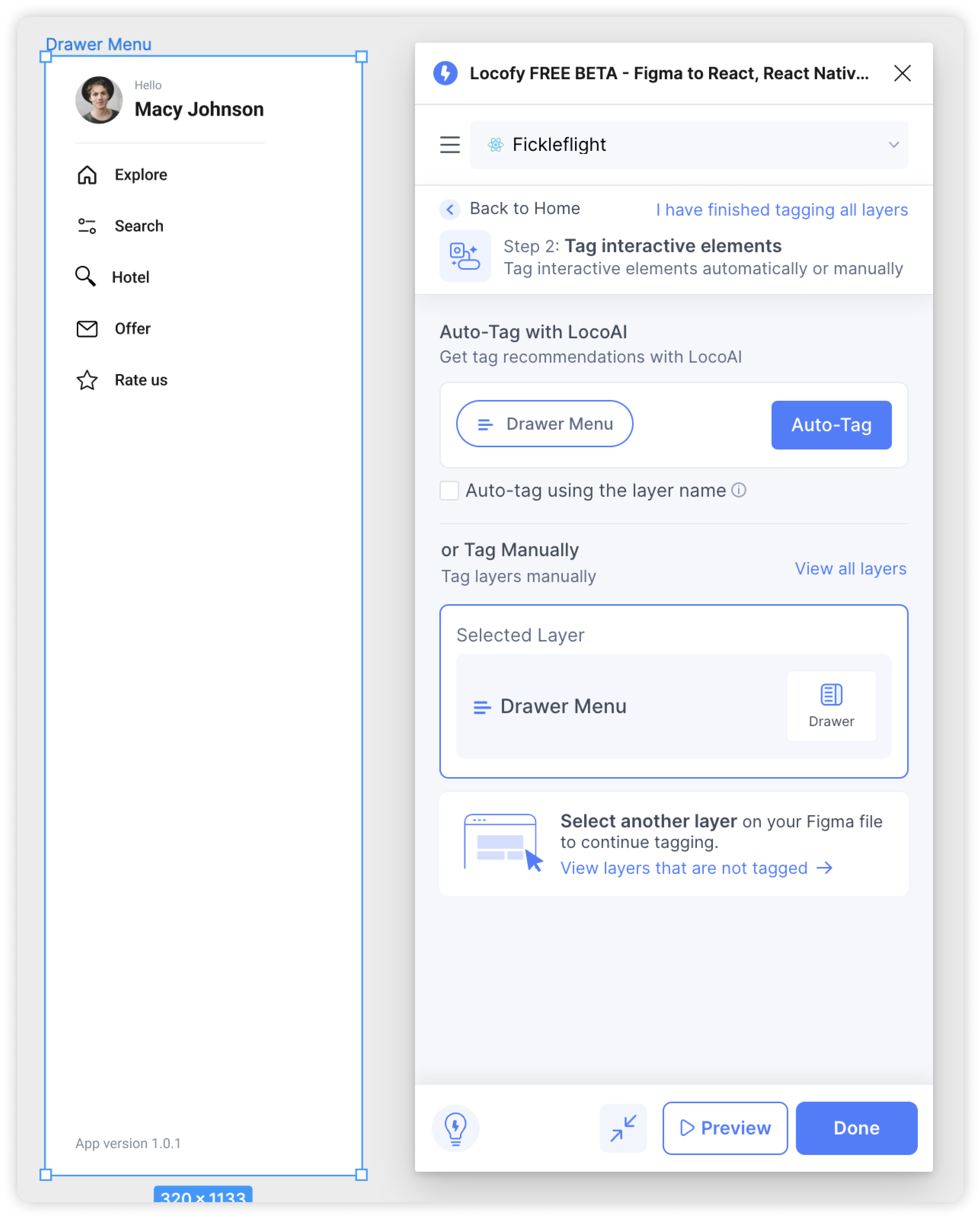
- Select the drawer frame in your design and tag it as a “Drawer”. The option can be found in the Custom Tags section of the Locofy plugin.
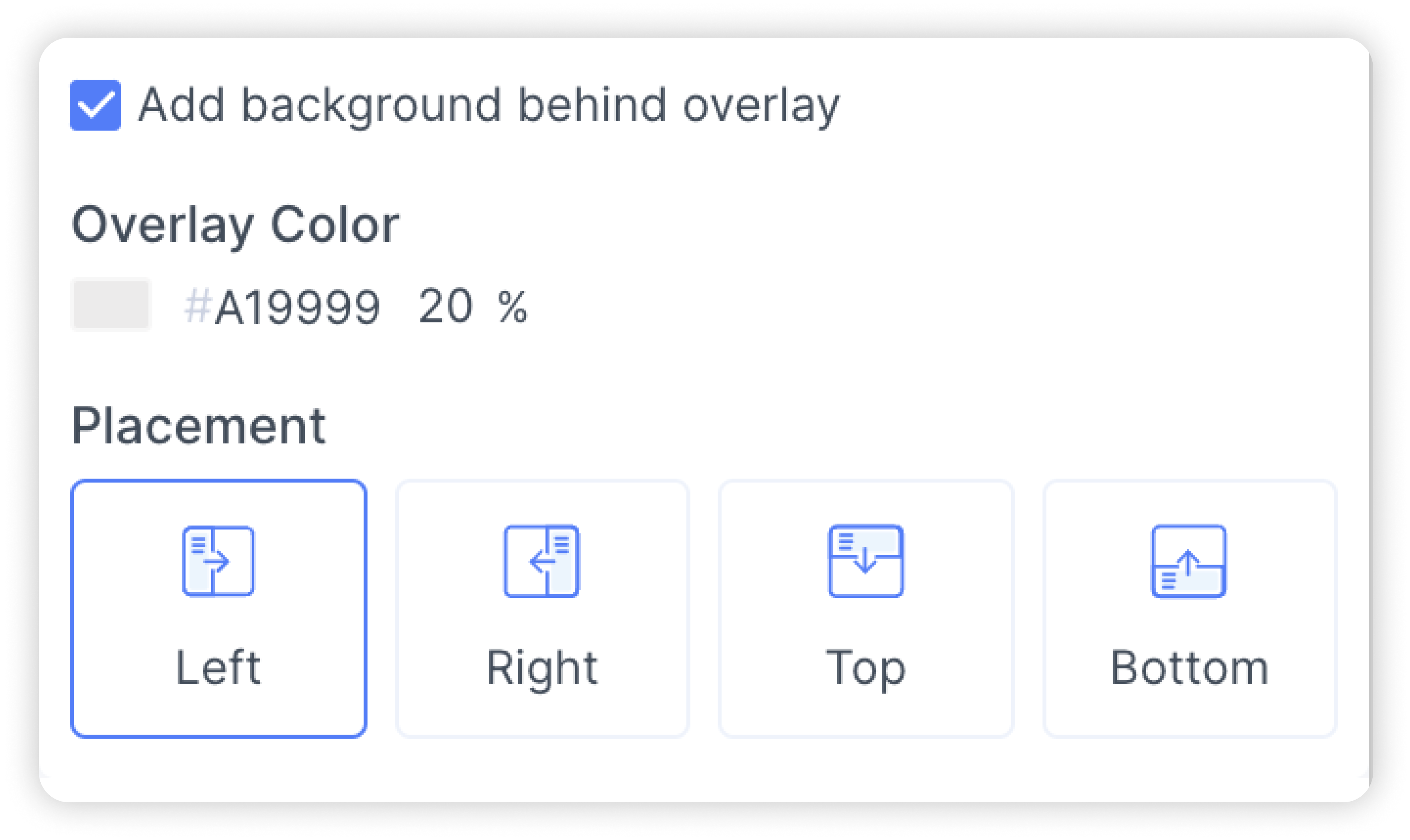
- You will then be taken to the properties tab. Here you can toggle the overlay background and also customize the background colour, opacity and placement of the overlay.
Adding Toggle Drawer action
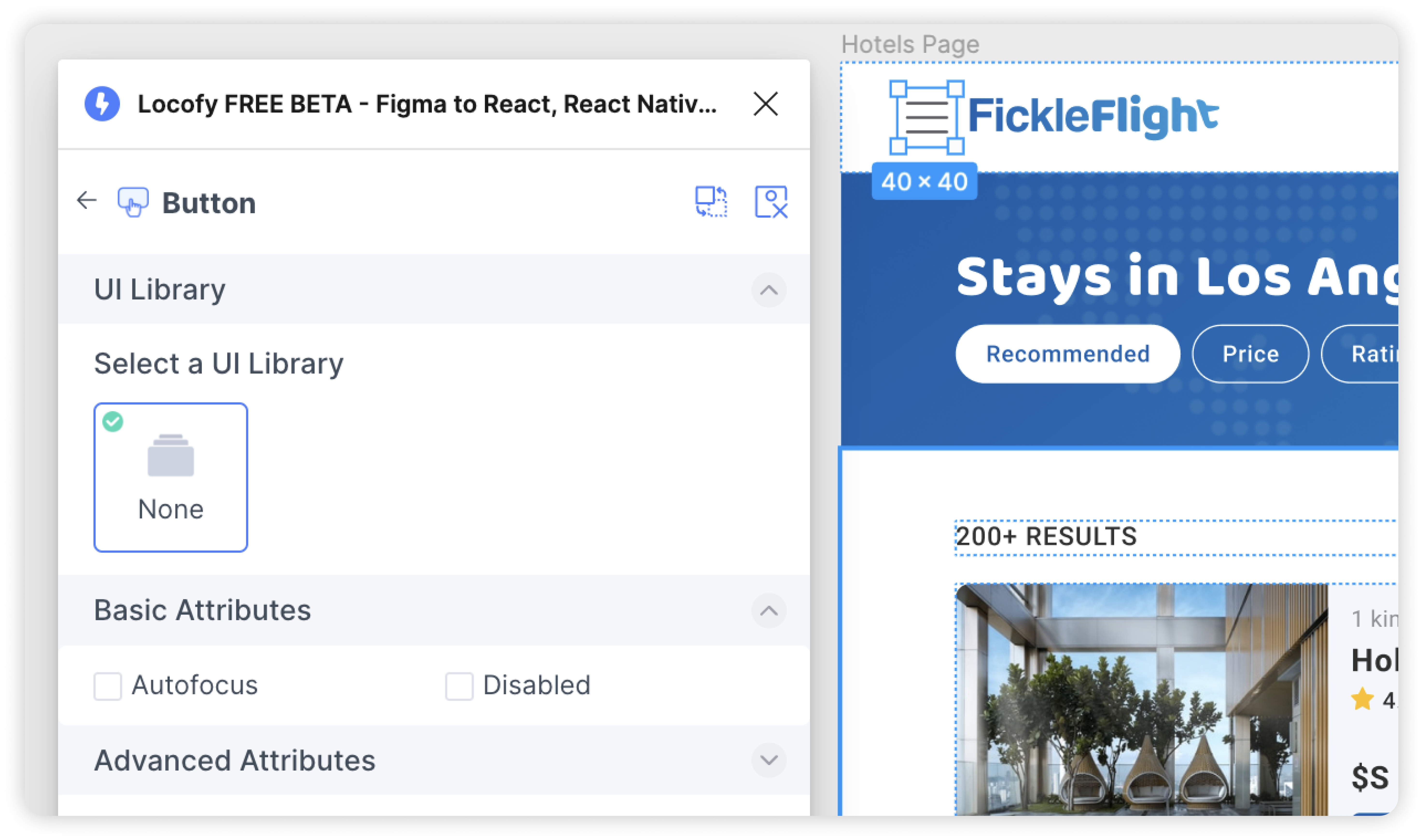
- Select the button to open up the drawer from the parent frame.
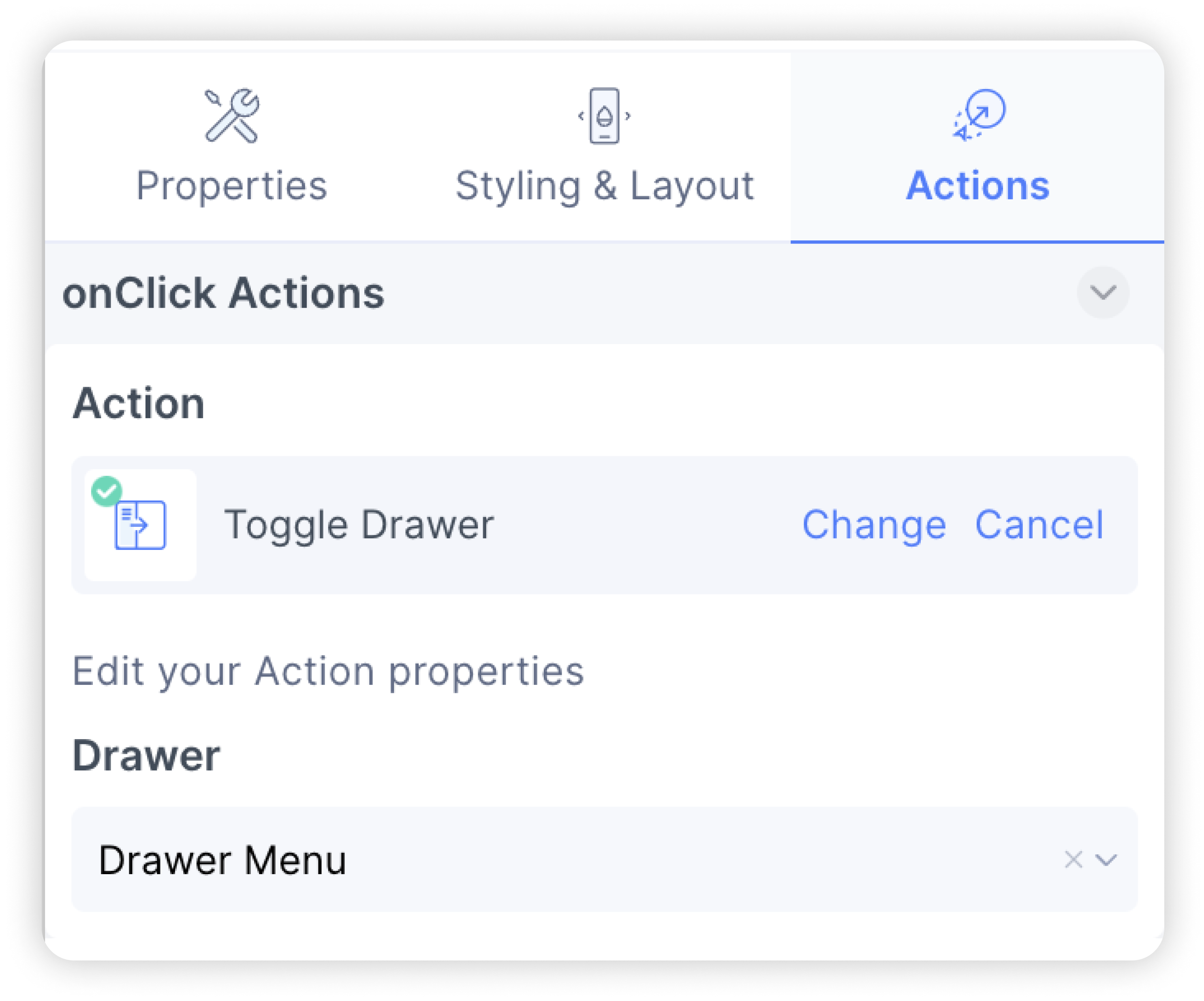
- In Step 4: Add Actions, select the “Toggle Drawer” action and choose the drawer frame you want to open.
- You have successfully created a drawer.