Tagging your animations
Learn how to create pre-built effects, tag your Lottie files and customise your animation properties.
Adding pre-built effects
- Select the frame you want to animate in your design. Click on the Step 3: Styling and Layout on the Locofy.ai plugin and scroll down to the "Pre-built Effects" section.
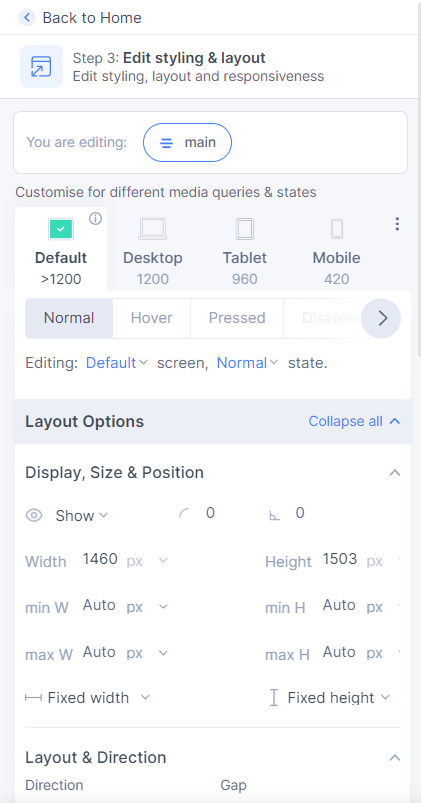
- Then, you can select the type of animation you want.
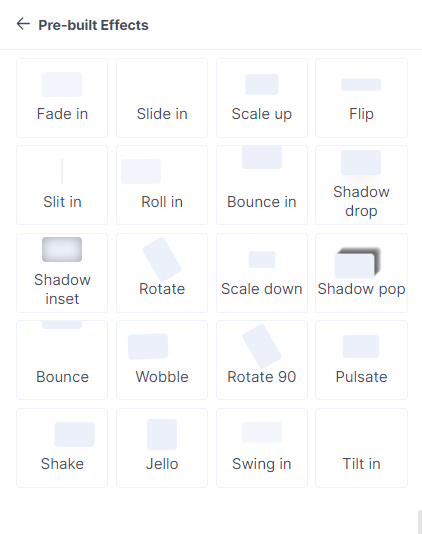
- You will then be taken to the "Pre-built Effects" tab. Here, you can further customize other animation properties.
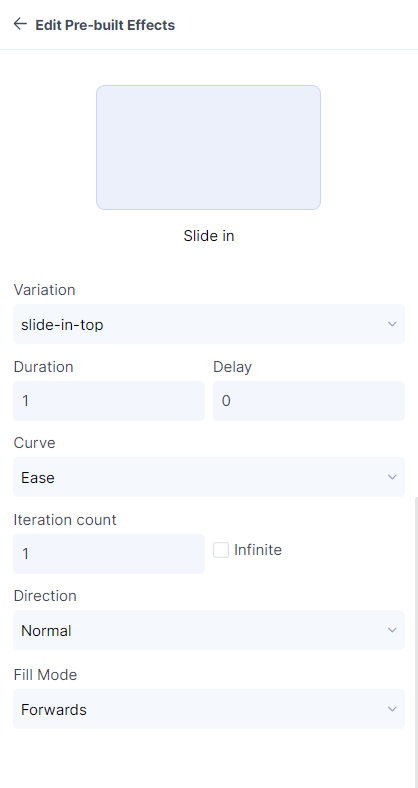
- You have successfully created pre-built effects.
Tagging your Lottie files
- Select the frame you want the Lottie file to be in and tag it as "Lottie" by going to Step 2: Tag interactive elements in the plugin. Read about tagging to learn more.
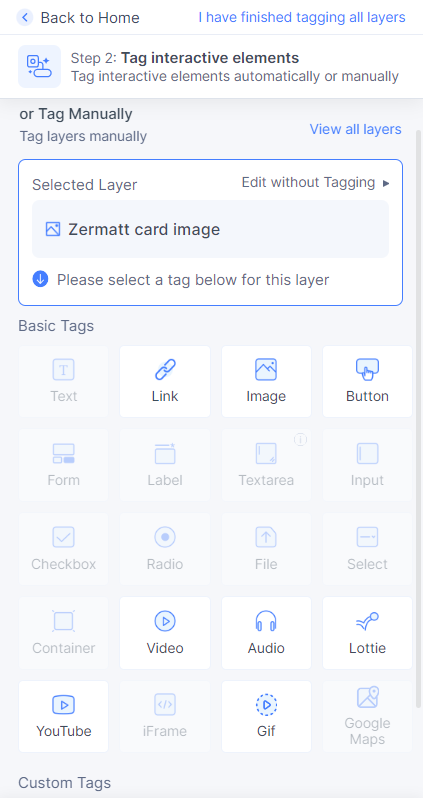
- You will then be taken to the properties tab. You can upload or paste the URL for your Lottie file and customise other properties as well.
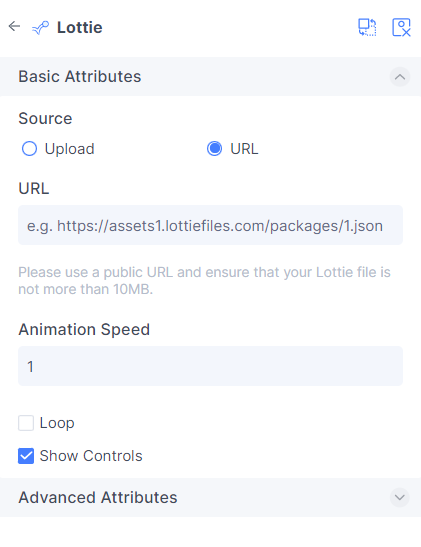
- You have successfully tagged a Lottie file.